


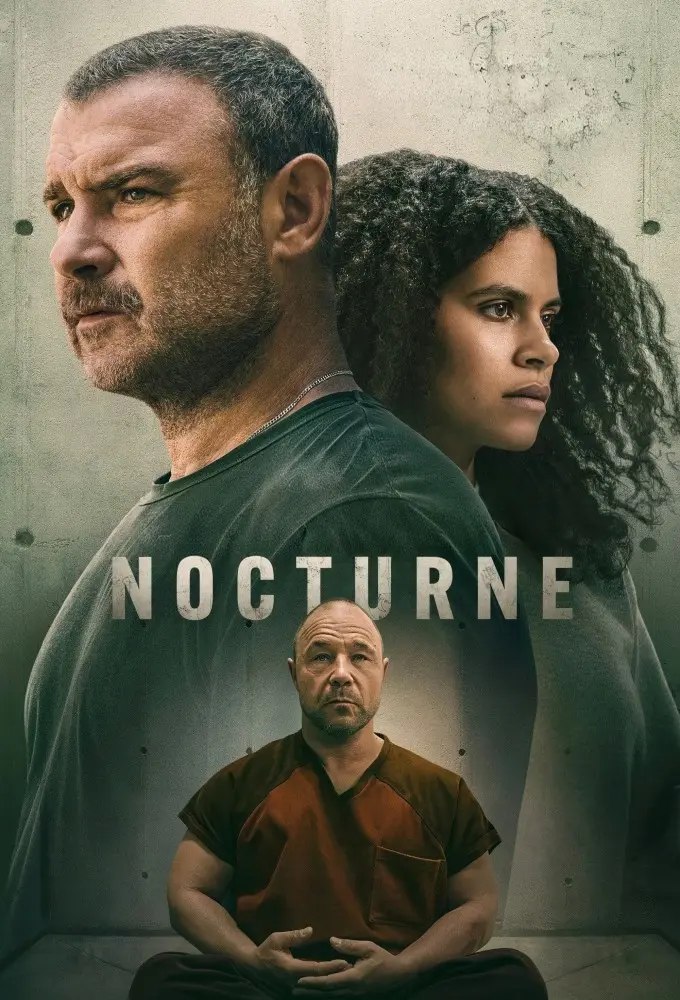
























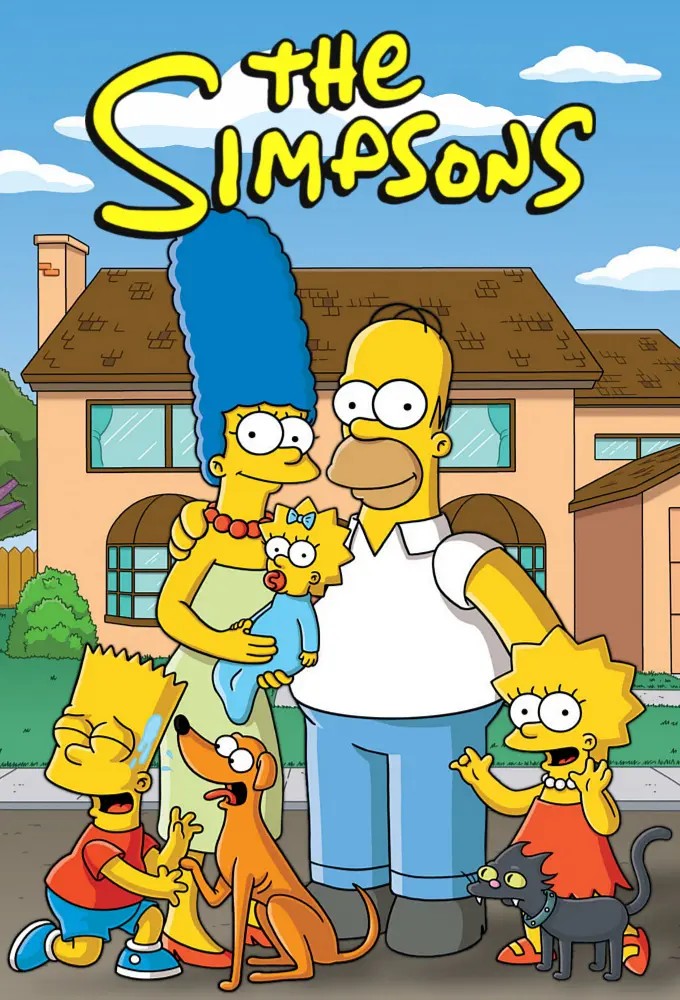

Your month, wrapped
A recap of every month and every year: episodes, hours, your top shows and films. Share it as an image, or keep it to yourself.
TV Binge Diary
A private diary for the shows and films you watch. See what airs next in your own time zone, tick off episodes as you go, and keep the record.
Free, with no ads. In your browser, on iPhone or on Android.

Upload the data export from the app you used before, and years of watching come across: your shows, your films, your ratings and the day you watched each episode.
You see everything before it is saved. Nothing already in your diary is overwritten, and a film we cannot match for certain is listed for you to find rather than guessed.
Create an account and importIn your old app
In TV Binge Diary
A tracker that keeps up with you, rather than one you keep up with.
Before it airs
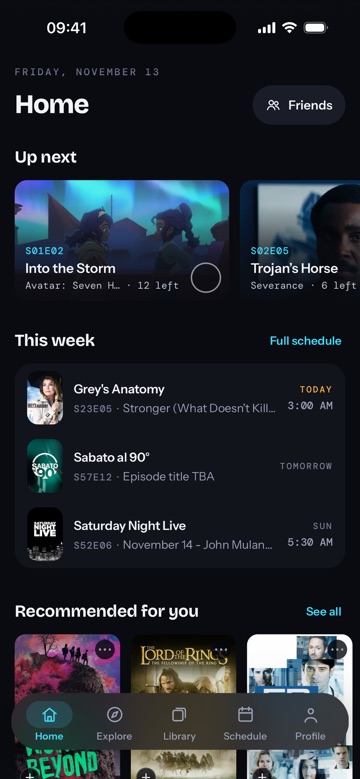
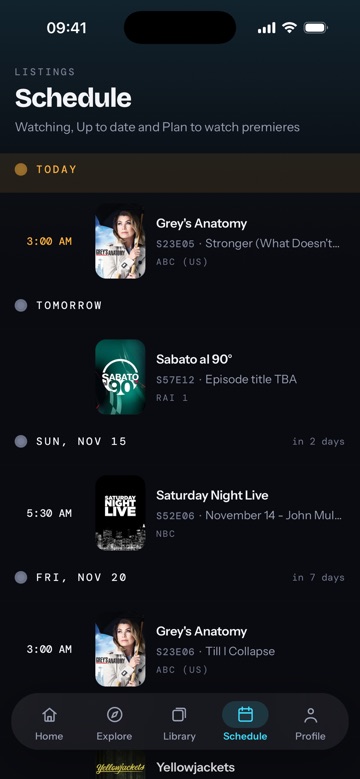
Follow a show and its episodes land on your schedule at the time they air where you live. New seasons appear on their own, and when a show streams before it broadcasts, you see the earlier day.
While you watch
Watched five in a row? Tick the fifth and the four before it are marked too, with an undo if you overshot. Up next keeps the next episode of every show you are watching one tap away.
Try it: tick episode 7.
Season 1
2/9 watched
Good News About Hell
Feb 18, 2022
Half Loop
Feb 18, 2022
In Perpetuity
Feb 25, 2022
The You You Are
Mar 4, 2022
The Grim Barbarity of Optics and Design
Mar 11, 2022
Hide and Seek
Mar 18, 2022
Defiant Jazz
Mar 25, 2022
What’s for Dinner?
Apr 1, 2022
The We We Are
Apr 8, 2022
After the credits
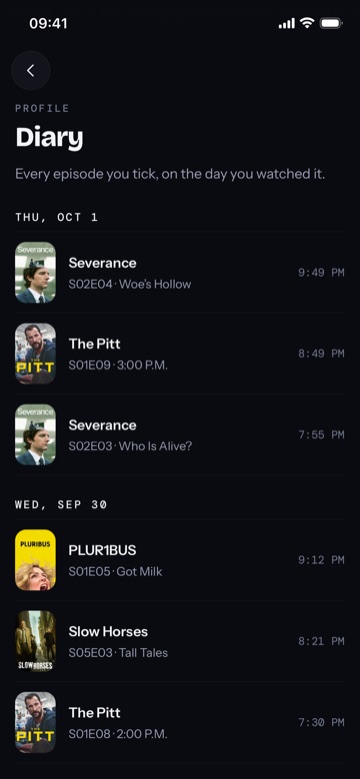
Give a show or a single episode its stars, in half steps. Every episode you tick goes into your diary on the day you watched it, so a year from now you can still see what you binged and when.
A recap of every month and every year: episodes, hours, your top shows and films. Share it as an image, or keep it to yourself.
Recommendations built from the titles you liked, and each one says which. Rate a show low or drop it and you see less like it. Say “Not interested” and it stops coming back.
What you watch and how you rated it is yours. Only the friends you accept can see it, nothing is posted for you, and the only words other people see are the ones you choose to write in a show’s discussion.
No ads
Nothing on the screen is paid for.
No tracking cookies
No advertising or analytics cookies, on any page.
Never sold
Your data is not sold or handed to advertisers.
Yes. There is no paid tier and no ads. Create an account with your email or Google and start adding shows.
Yes. Upload the data export from your old app, during sign-up or later from your profile. Your shows, episodes with the day you watched them, films, ratings and favourites come across, and you see a preview before anything is saved.
No. It works in any modern browser on your phone or computer, and on a phone you can add it to your home screen. There are also apps for iPhone on the App Store and for Android on Google Play.
Yes. Keep a watchlist, log every viewing with its date, and rate films the same way as shows. They sit in the same library, schedule and recommendations.
Only your friends, and you can hide any show or film from them. Friends see each other’s diaries once one accepts the other’s request, and until then your library, ratings and diary are private. A show’s average rating counts everyone’s stars without naming anybody, and comments you post in a discussion are shown under your name.
Yes, from your profile at any time. Your library, ratings and diary go with it.
Add it, tick the episode you are on, and your schedule fills itself in.